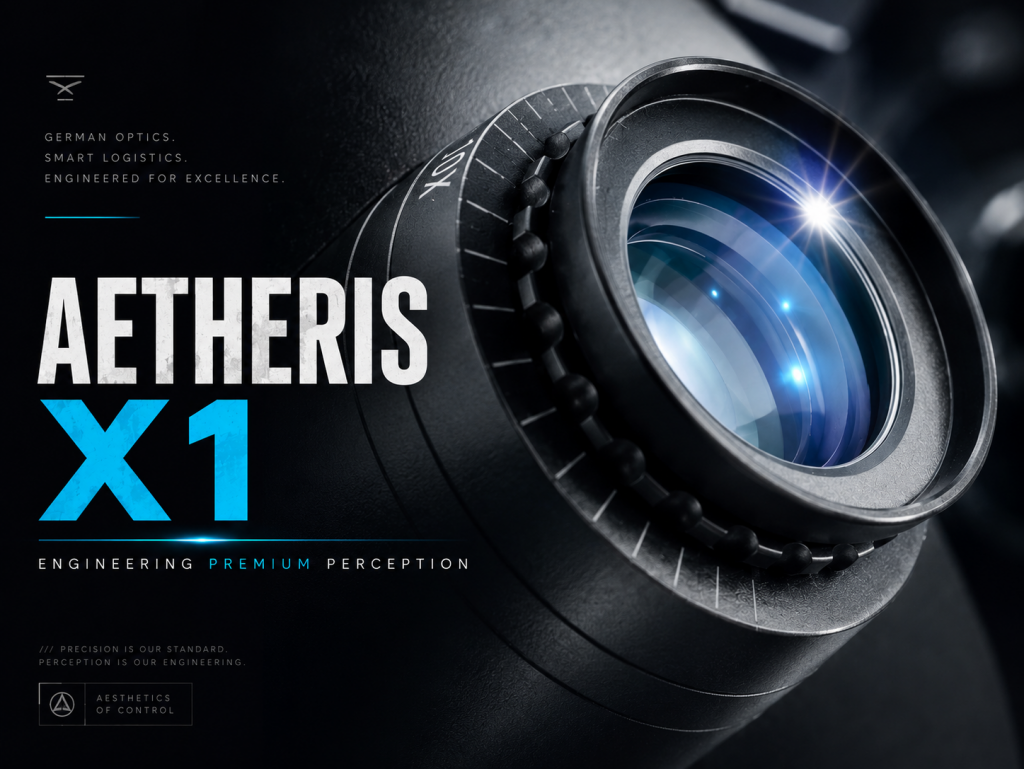
The Process
When animating complex machinery, standard text commands lead to the destruction of the object's mesh. To force MovieFlow to calculate light physics correctly without altering the 3D shape itself, I completely rebuilt the structure of the generative query.
First, I isolated the action verbs. In the prompt, I strictly prohibited any transformations of the object itself, using markers like 100% STATIC and RIGID (frozen geometry). All dynamics were transferred exclusively to the description of the virtual camera: slow cinematic dolly-out and camera parallax. This compelled the engine to calculate the perspective shift rather than redrawing the device's pixels.
Second, adjusting the interface weights was critical. I set Structure Influence to 0.85–0.90. This rigidly "nailed" the base image to the coordinates, preventing small fonts and engravings on the casing from floating.
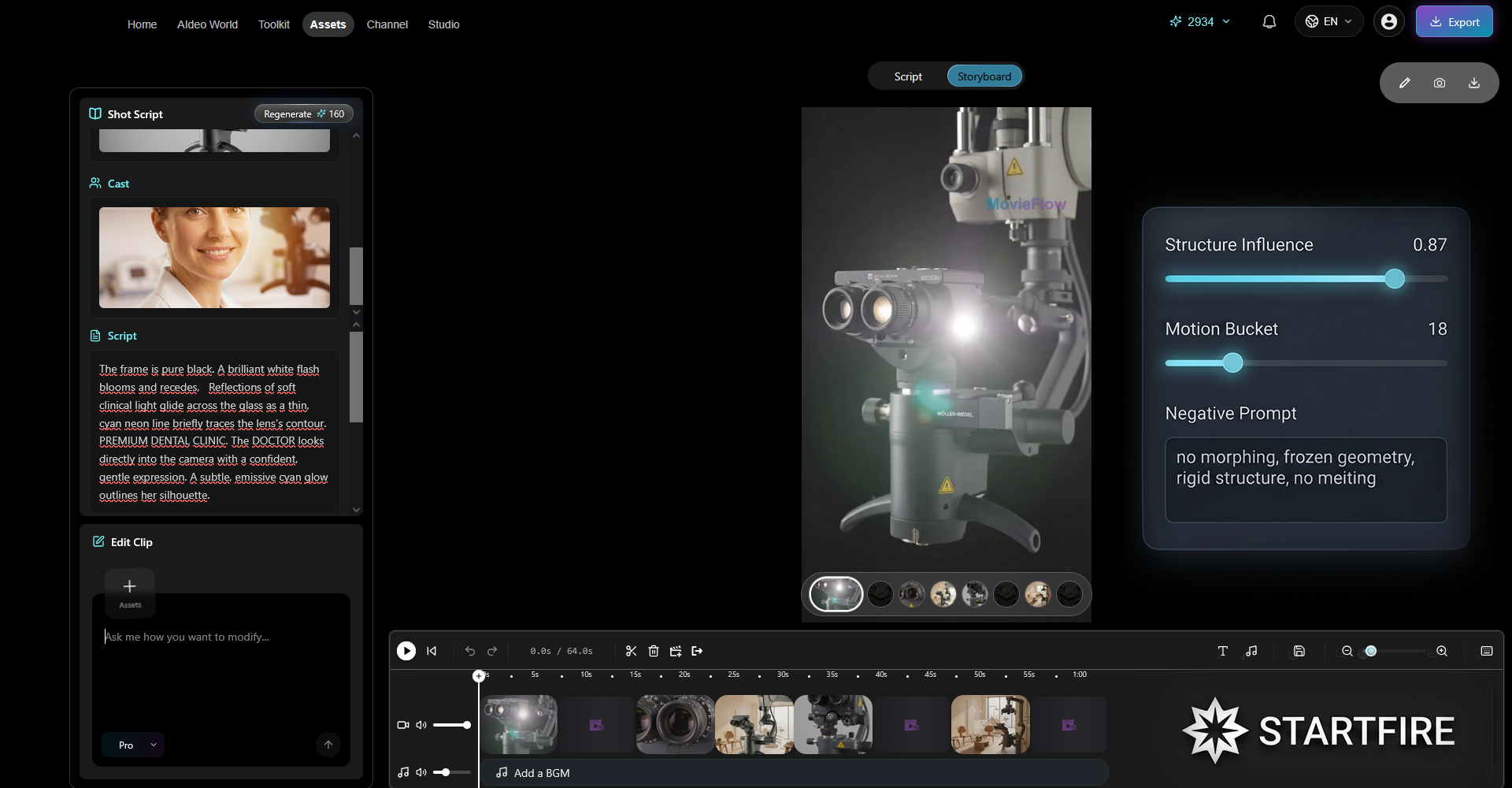
To compensate for the high structure influence, I lowered the Motion Bucket to 15-20. Aggressive dynamics are unnecessary in macro cinematography of premium equipment—a subtle drift ("breathing") is sufficient. Under these settings, the neural network focused on calculating accurate specular highlights: a cool-blue light from the window (cool-blue tech glint) glides smoothly across the rough matte metal texture, producing a 100% photorealistic physical response.
Need expertise in complex AI generation and AI animation for your project?
I am ready to strengthen your team as a reliable white-label partner.
→ Submit a Brief to the Studio
P.S. Want to know what strategic business challenge this generation actually solved? The full history of the Aetheris X1 project, a breakdown of the Visualogy method, and how it helped bypass physical production limits to build investor trust—is in the Archive File on my flagship website startfire.org.
 Facebook
 Startfire


